Traditional name tags don't help you find lost items. We do.
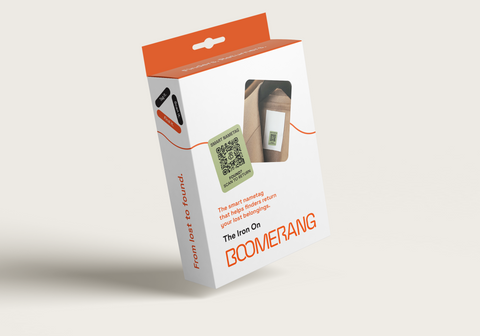
Available from 50p per tag (with our 3 for 2 bundle). Just one returned water bottle pays for the pack (like Katie). Now imagine if it was a phone saved (like George).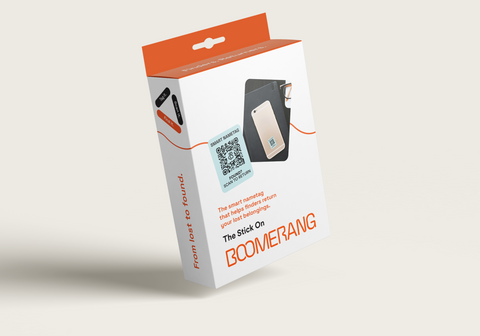
Why choose Boomerang?
Lost blazer, headphones, passport or water bottle tomorrow could be £££ gone.
Yet trackers don't stick, have limited range, and need constant charging. Name tags only work when the finder knows you, can’t be updated, expose personal info and need relabelling when handed to new owners.
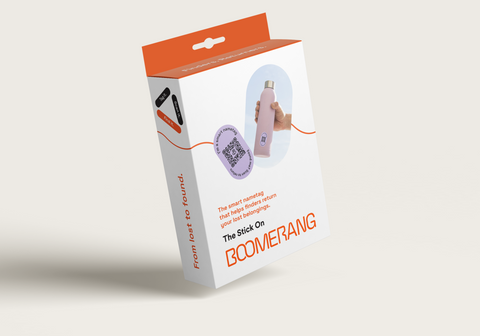
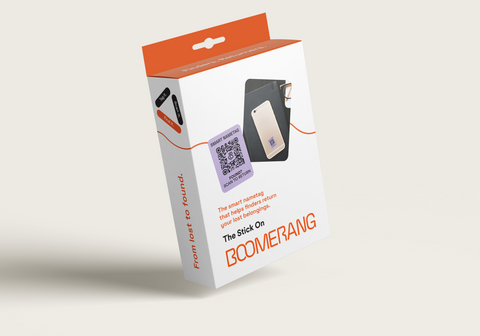
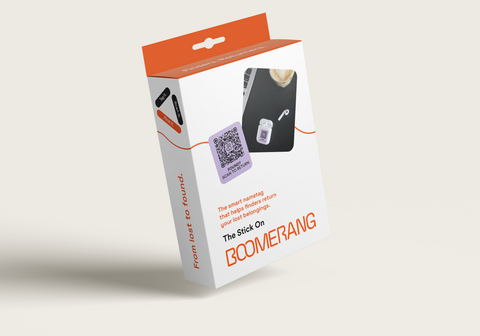
BoomerangTag® is a smarter alternative: a durable QR code that finders can scan to easily return your lost belongings without even sharing personal information.
We've all seen all seen those "I've found..." messages in group chats and viral social media posts. We've seen amazing return stories, and research shows finders return things, make it as easy as possible for them.
24 smart nametags for £18. Or bundle and get any 3 for 2.
Peel, stick & scan to register. Come with a Lifetime Free Plan, and a one month trial of Family Plus.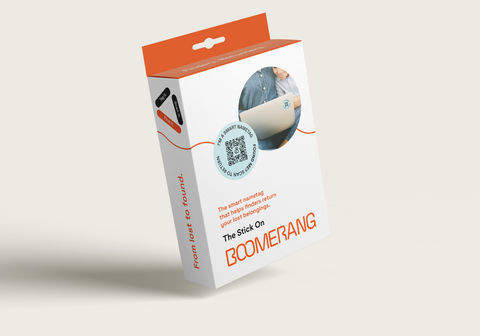
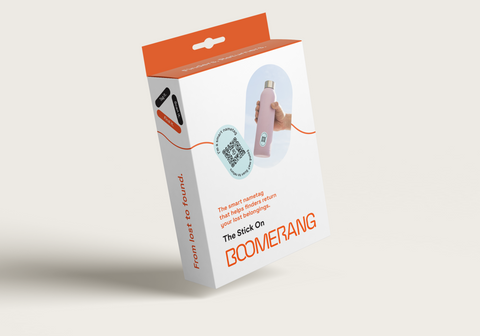
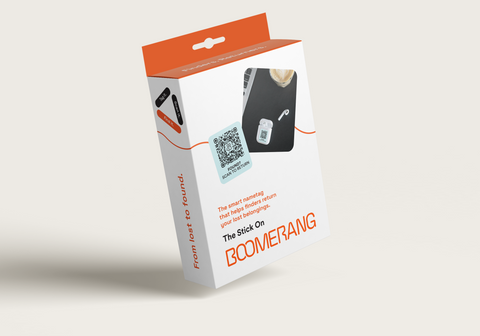
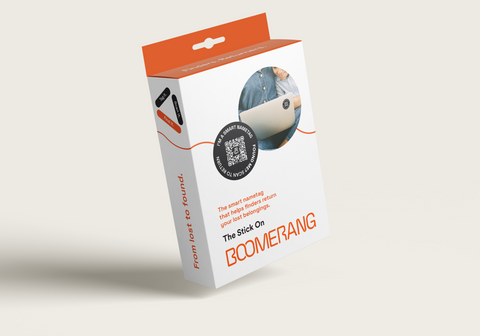
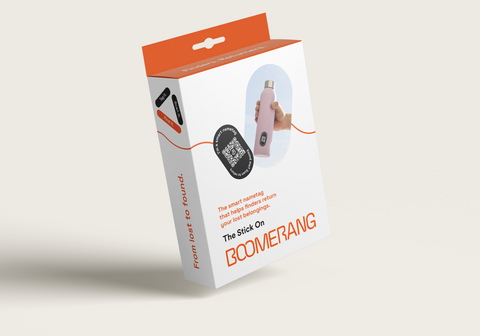
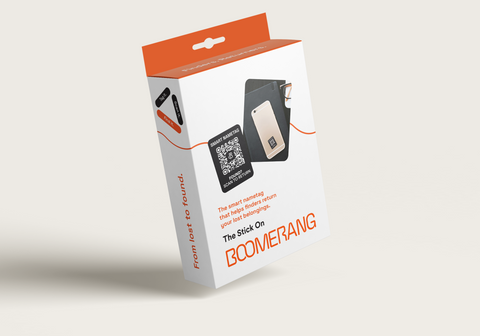
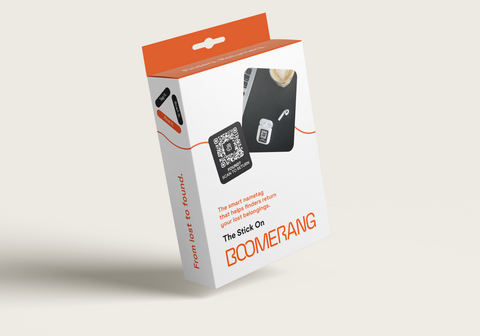
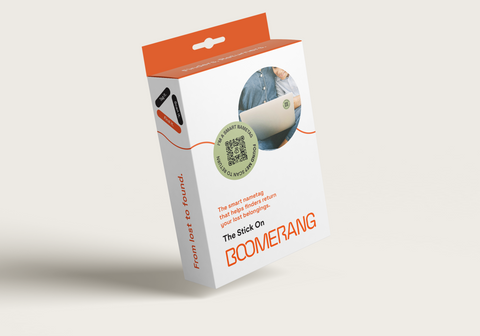
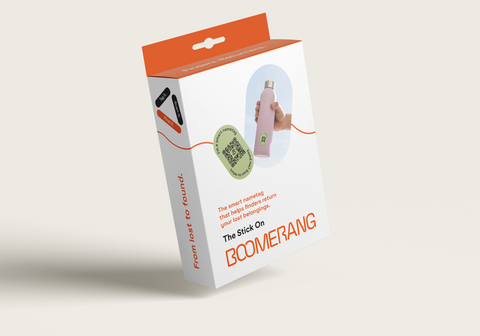
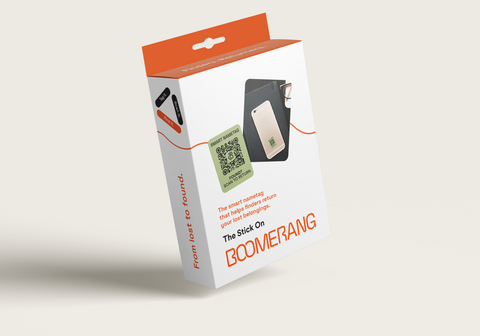
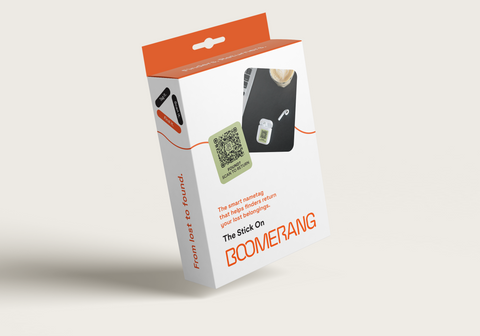
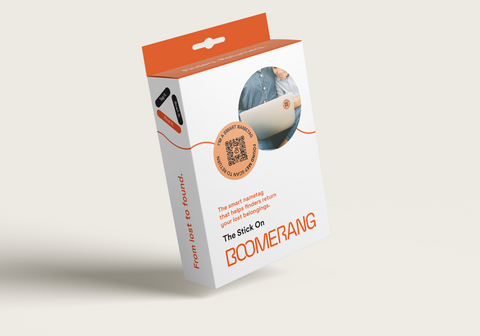
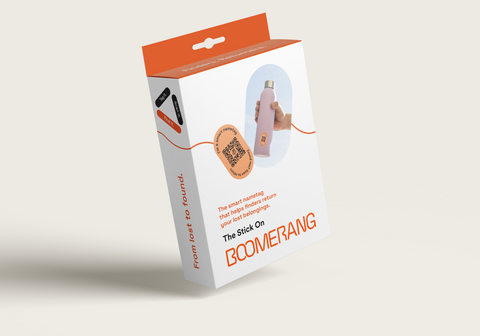
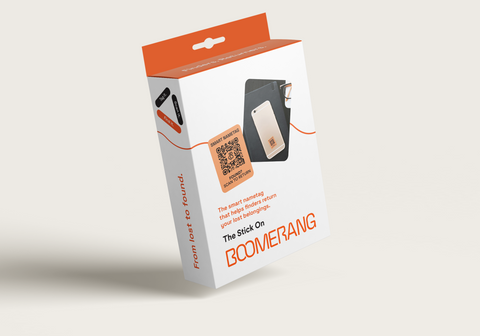
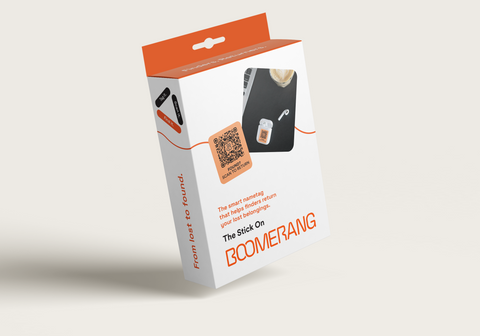
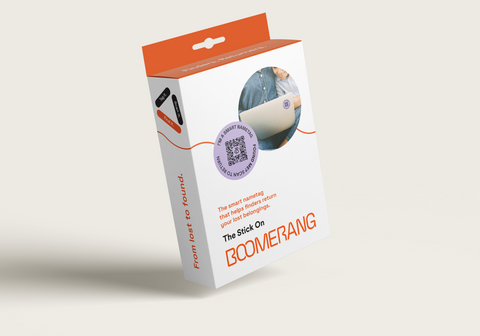
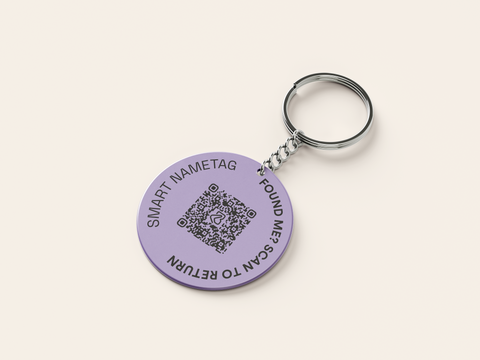
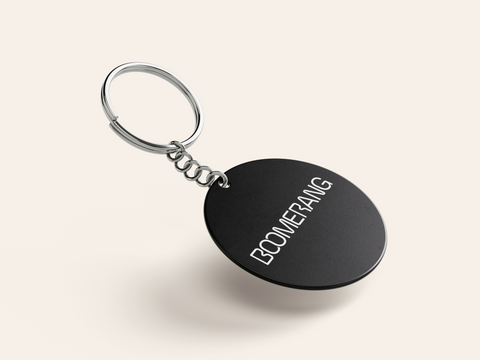
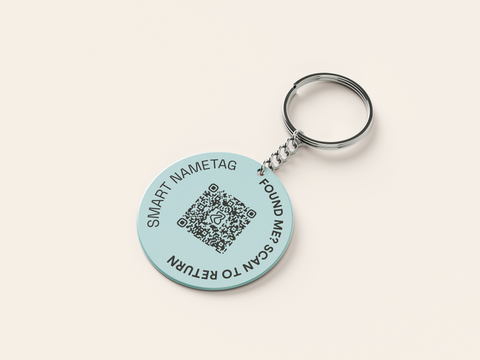
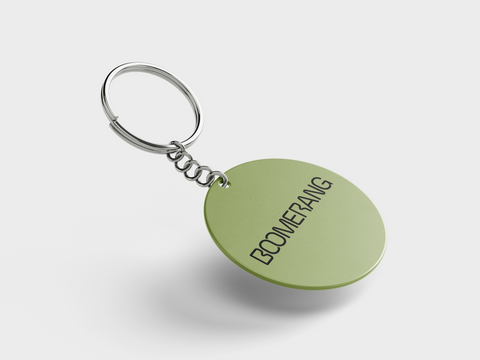
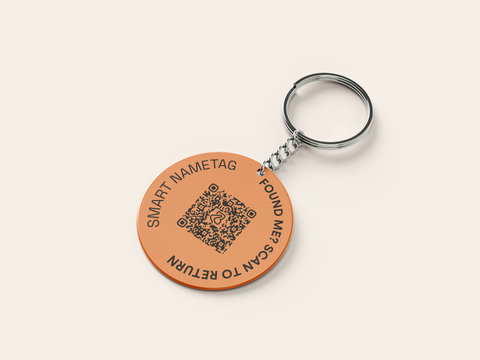
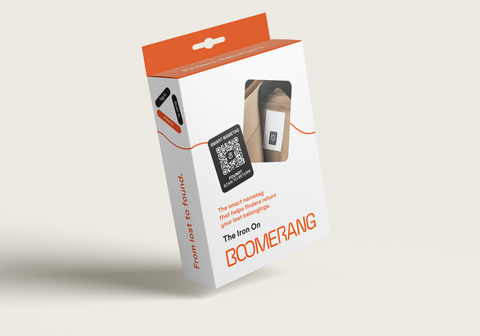
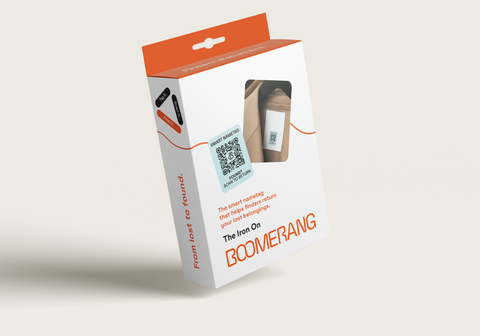
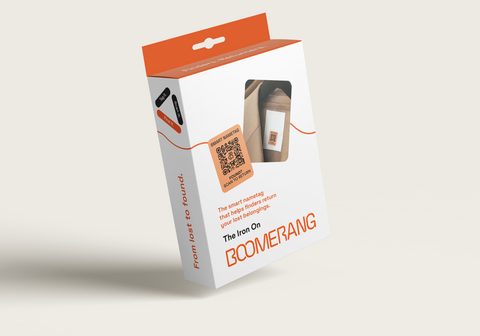
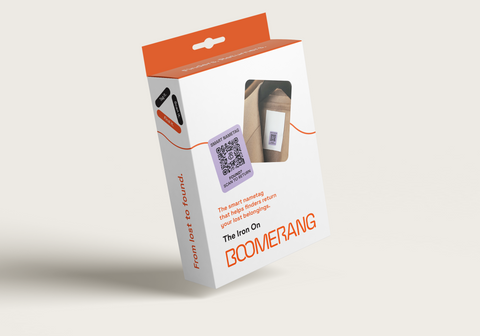
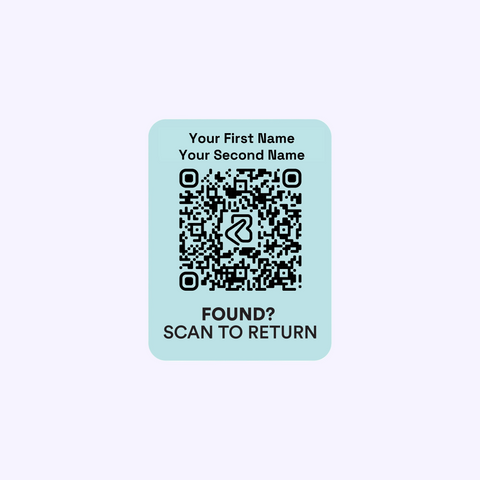
Add your name with our personalisation service
Personalise your Stick On in just a few steps. Start by choosing your colour and pack size. Then simply add your name.
Once tagged, scan the QR code and follow these steps
Soon anyone, anywhere can return what you lose

Tag the item you want to add to Boomerang and scan it like a regular QR code.

You'll be taken to this page. Select Register And Tag.

All you need is your email to set up your account.

You can now claim the item. This will be your starting step for any future items.

Name your item, and add a photo or extra details if you’d like.

Once registered, your item can be returned by anyone, anywhere, and it will appear in your Boomerang account. To add another item, just scan another tag.

In Settings, you can decide what finders see and how you get notified. For item-specific changes, just select Manage on that particular item.
You choose what a finder sees
Every item can show just the right amount of information you want

You can choose to share your name, email, phone number, WhatsApp, and a custom message. This information will be shown to the finder so they can easily contact you to return your item.

You can select the specific information you want to show (and each item can be different).

If you decide not to add any details, finders will still be able to contact you through Boomerang.

Finders include a phone number with their message so you can reply through Boomerang. This number is never shown to you or shared anywhere.

When a finder sends a message, you’re notified by email. PLUS members can also receive WhatsApp alerts, and Family PLUS supports up to three extra recipients.

You’ll find the finder’s message in your account, and you can reply directly from there if you want.

The finder receives an SMS from Boomerang letting them know there’s a new message. For PLUS members, the text of your reply is included.

The finder can read your message and reply again if needed. You see the conversation in a similar view.
Get your item back, mark returned!
The amazing part to Boomerang is that neither the finder or the owner need to share personal details for the item to be returned.
Packed with features
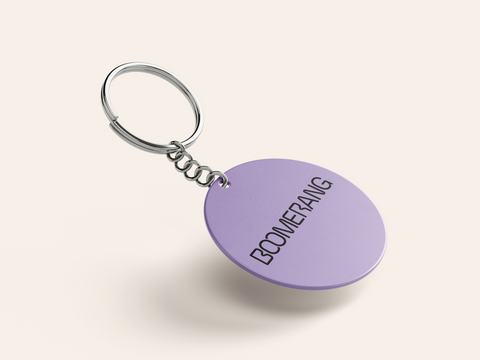
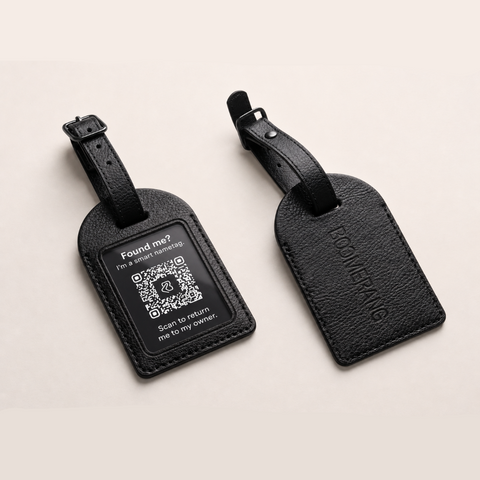
All our tags come packed with features to get your items back subscription free.
Write about various product information, store news or usage support.
10 wallets, how many came back?
Watch when the BBC dropped 10 wallets around Belfast with contact details in, how many do you think were returned?
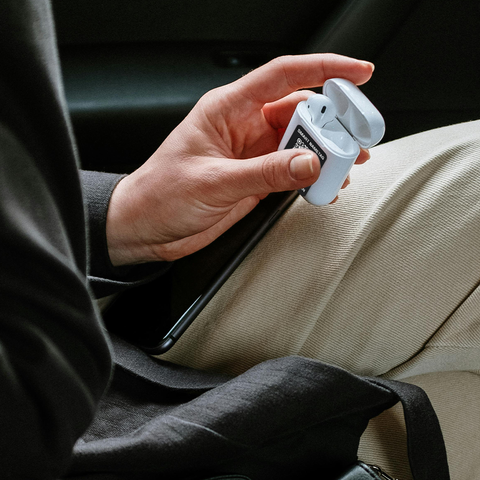
Boomerang® case studies
The best part of Boomerang is hearing the return stories. Each story we get told by our users is completely unique, and memorable in their own way.
Let customers speak for us
What a fantastic product. I’ve a kid who forgets everything who’s started high school and now I know that when something invariably gets left on a bus it’s more likely to get back to me. Interactions with Charlie were speedy and informative. Delightful

What a great idea! I've tagged my sports kit and the accessories that I frequently lose track of
Great quality product, and gives me peace of mind knowing my prize possessions can be traced back to me if lost.
Boomerang tags, what fabulous products! I have used my stickers on my luggage, purse, handbag, water bottle, phone, charger, and passport. The tags I've added to my keys. If I ever do lose one of these items, someone can scan the qr code and contact me to arrange return/collection. Great choice of colours. Easy to set up on website to register each QR code/item.
I recently took Benji Bear, Boomerangs mascot, to Egypt, and many asked about the Bear/tags/stickers. Great marketing idea. Look forward to seeing more of his travels soon. In the meantime, I highly recommend Boomerang Tags to everyone. Buy yours asap!
Boomerang tags, what fabulous products! I have used my stickers on my luggage, purse, handbag, water bottle, phone, charger, and passport. The tags I've added to my keys. If I ever do lose one of these items, someone can scan the qr code and contact me to arrange return/collection. Great choice of colours. Easy to set up on website to register each QR code/item.
I recently took Benji Bear, Boomerangs mascot, to Egypt, and many asked about the Bear/tags/stickers. Great marketing idea. Look forward to seeing more of his travels soon. In the meantime, I highly recommend Boomerang Tags to everyone. Buy yours asap!

Boomerang tags, what fabulous products! I have used my stickers on my luggage, purse, handbag, water bottle, phone, charger, and passport. The tags I've added to my keys. If I ever do lose one of these items, someone can scan the qr code and contact me to arrange return/collection. Great choice of colours. Easy to set up on website to register each QR code/item.
I recently took Benji Bear, Boomerangs mascot, to Egypt, and many asked about the Bear/tags/stickers. Great marketing idea. Look forward to seeing more of his travels soon. In the meantime, I highly recommend Boomerang Tags to everyone. Buy yours asap!
NB. I recently left my bag in a cafe. Someone saw the Boomerang Tag, scanned the QR Code, contacted me, and I went to pick it up. So thankful to them and Boomerang Tag! ⭐⭐⭐⭐⭐
The whole idea of keyrings and stickers is a brilliant idea..
Fine
Fantastic idea and fantastic product x
These are the small ones which are a great size and fabulous colours. Arrived quickly. Easy to scan and attach to anything you want.
Excellent idea!
Great product, great service and personal follow up from Charlie the founder. Lost my car keys recents which was a very expensive mistake, wish I’d had a boomerang QR tag attached before! 5 stars from me, recommended this to family and friends! Thanks Charlie!

Prompt delivery with excellent point of sale/instructions for using the product.
I experienced a few issues with the tags (which could definitely be described as user error) however Charlie went the extra mile in resolving these issues. Stick on codes worked well too.
I would thoroughly recommended Boomerang products.
Thank you Charlie.
The Boomerang tags are an excellent idea!
I’ve got tags on all the things that could possibly get lost - and this gives me 100% mor chance of getting my items back than if they didn’t have them.
They are quality produced tags too. Recommended.

I was blown away by how well this product worked.
I work in sales and i am heavily reliant on my mobile phone for work, so i was devastated when i realised my phone had fallen out of my pocket one night after cycling home. It took only3 days for somebody found my iphone lying on the floor, scan the Boomerang Tag and arrange a pickup point later that day. It's such a logical product and gives me hope that human kindness is long restored.
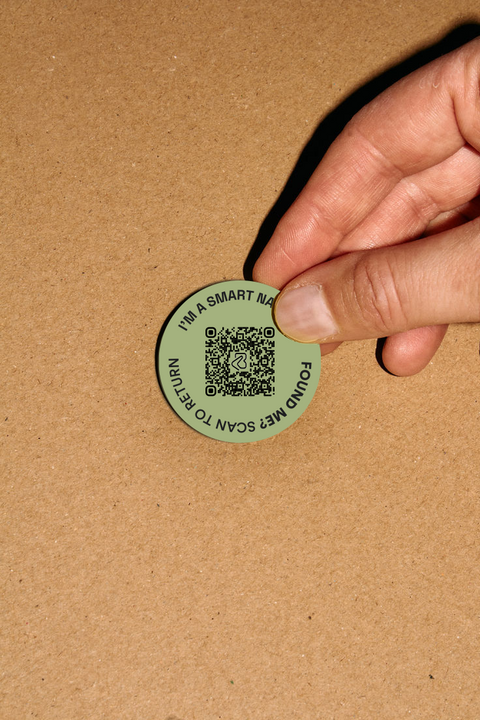
Circularity & durability
Our tags are designed to last. Made from highly durable materials, they withstand years of wear and tear while enabling a circular approach as items can be re-registered to new owners instead of being lost or wasted.
Data responsibility & privacy
Boomerang® complies with UK data protection laws and is a registered data controller. We promise never to sell ordistribute customer data, only collecting what’s necessary to keep belongings safe.
The most we need is an email address for you for a BoomerangTag® to work.
Every account comes with 30 days free of our family premium plan.